QLab Pro 4.4.2
13.02.2019

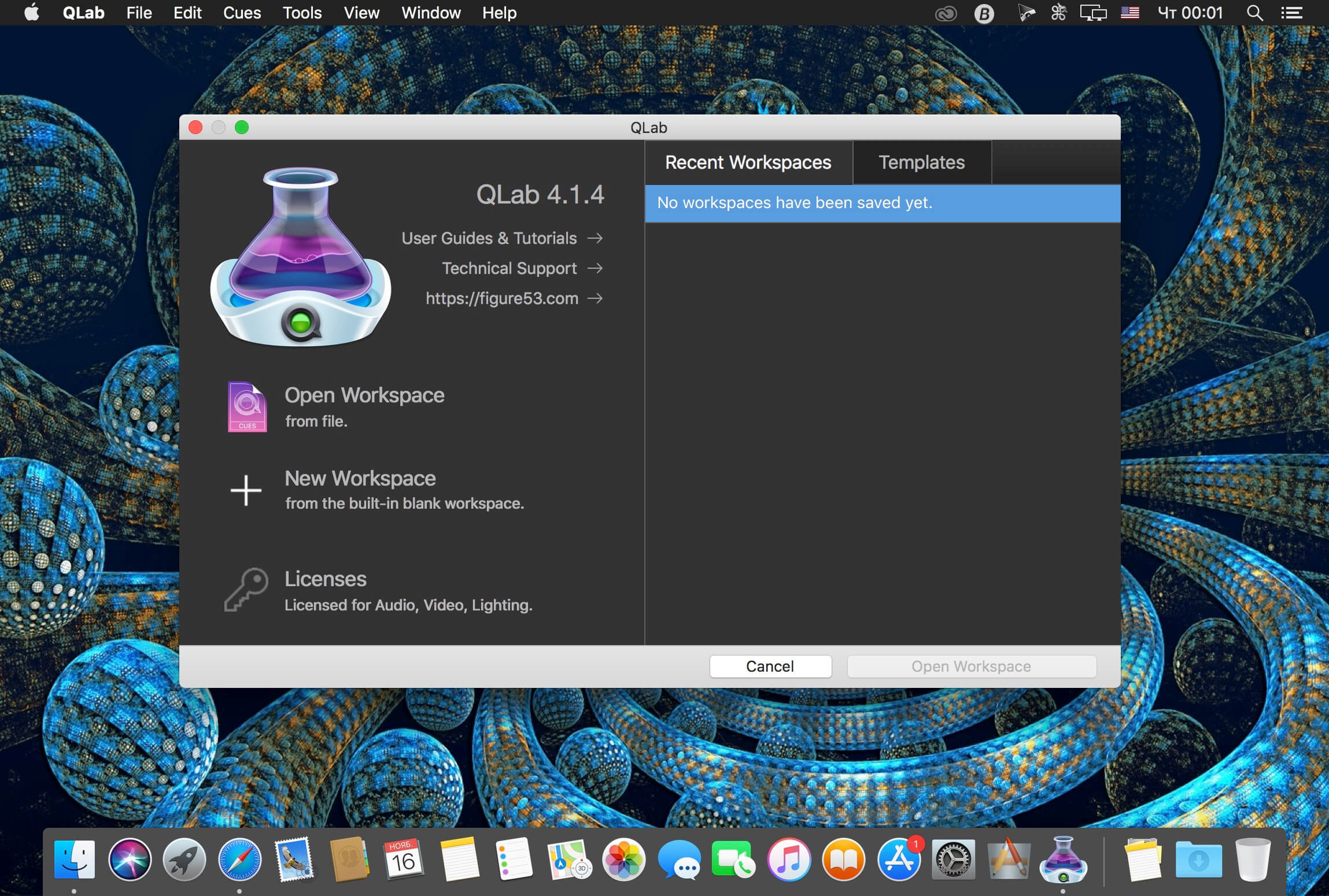
QLab позволяет легко создавать богатые мультимедийные проекты для живых перформансов и инсталляций. От Бродвея до Вест-Энда, в церквях, музеях, витринах магазинов, концертных залов, театров и во всем мире, люди используют QLab привести свои аудио и видео записи.
Using building blocks called "cues", you can create sophisticated designs in seconds. Getting started is as simple as dragging in a file and pressing "GO". From there, add commands to fade volume, animate videos, or add audio and video effects.
Once you master the basics, become a power user with advanced features like scripting, video corner pinning, multi-projector edge blending, audio localization, or even building multi-computer designs by sending commands to other QLab machines on your local network.
QLab comes in a variety of editions depending on your needs and can also be rented. Click here for pricing details.
Additionally, users of version 2 can purchase version 3 at a discounted price.
Audio Highlights:
- 48 channels of audio output
- 24 channels of audio input (file or microphone)
- Non-destructive audio waveform editing
- Adjustable playback rate with optional pitch adjustment
- Matrix mixer for every cue and audio device
- Apply audio effects to individual cues, across all cue outputs, or device outputs
- Custom fade curves
- Fade effect parameters for dynamic audio effects
- Unlimited slices per file, and import markers as slices
- Dead-easy vamping and musical transitions
Video Highlights:
- Slice and loop videos seamlessly
- Fade and animate videos
- Adjustable playback rate
- Preview cues with the audition window
- Many built-in video effects, or bring your own
- Overlay titles
- Live video input, including many Blackmagic devices
- Video surfaces help you focus on your design, instead of your projectors
- Syphon integration (input and output)
- Multi-projector edge blending
- Keystone correction & corner pinning
Что нового:
Version 4.4:Снимки экрана:
- Версия: QLab Pro 4.4.2
- Разработчик: Figure 53, LLC
- Системные требования: OS X 10.10 или более поздняя версия, 64-разрядный процессор
- Язык интерфейса: Английский
- Размер: 14.16 MB
Похожие новости
- Artistry Photo Pro: Photo Edit 3.0.1
- Верстаем на 5+ Версия 2.0 (2014)
- Tipard Video Converter Platinum 3.8.39
- Cute FTP Mac 3.1.0
- Imagenomic Portraiture Photoshop Plug-in 2.3 (build 2309-01)
- Disk Clean Pro 1.5
- Lost Lands 1 - Dark Overlord
- Battle Block Theater 1.0
- Dungeons 3 (2017)
- Cisdem Duplicate Finder 4.2.2
- Memory Clean 2 v1.2
- LaunchBar 5.6.4
- CrySonic.SINDO.v2.0 [VST, AU, MAC OS X, UB]
- Nightmares from the Deep 1 - The Cursed Heart
- Football Manager 2014 для Mac
- NameFind 7.2
- XMind 8 Pro 3.7.8
- Surviving Mars (2018)
- Loginox 1.0.5 - изменение фона при загрузке системы в Mac OS
- Disk Drill Media Recovery 2.5.432